
Repkit Manager · Web and Android
Queue tasks and review Code runs from web or Android
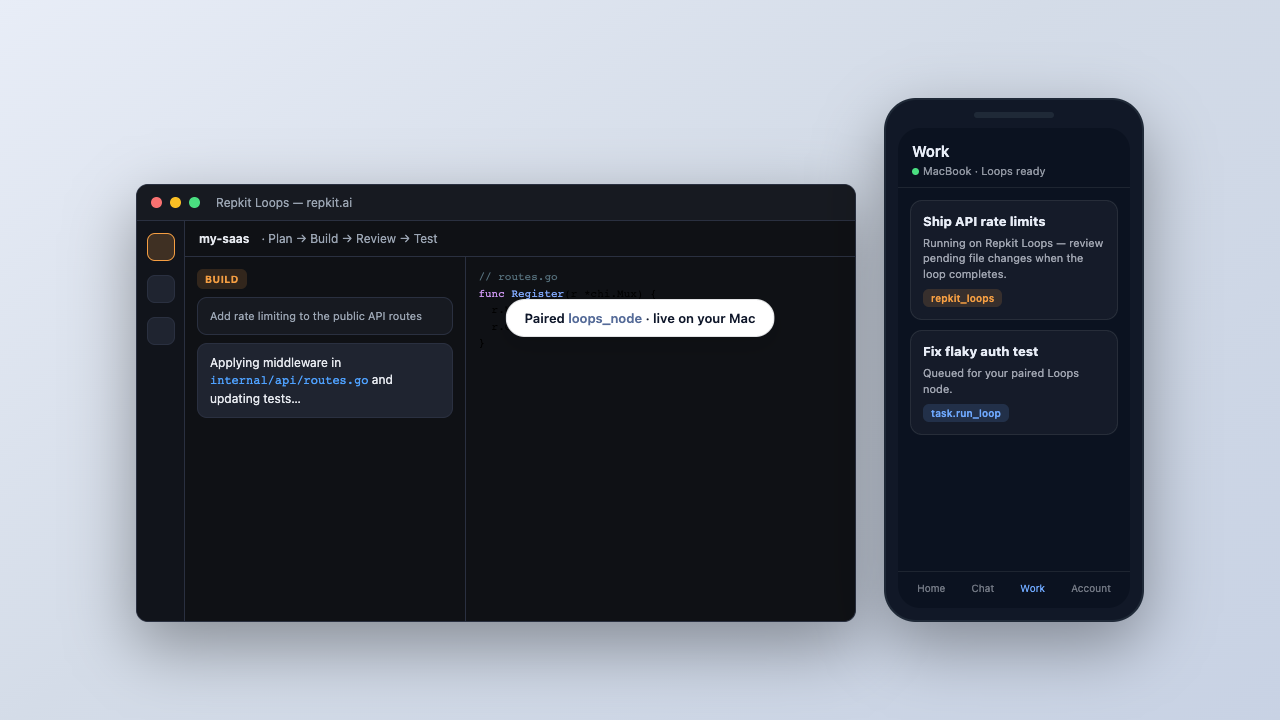
Pair a Mac running Repkit Code, scope folders and models, then queue work while execution stays on your machine.
Included with Repkit Access · works best with Code on a Mac
What you get
- Paired Macs — Connect a Mac running Repkit Code. Manager routes tasks and chat to that machine.
- Devices and folders — Register machines, limit agents to allowed directories, and audit skill use.
- Model catalog — Install GGUF models, start and stop llama-server, and check chat-ready runtimes.
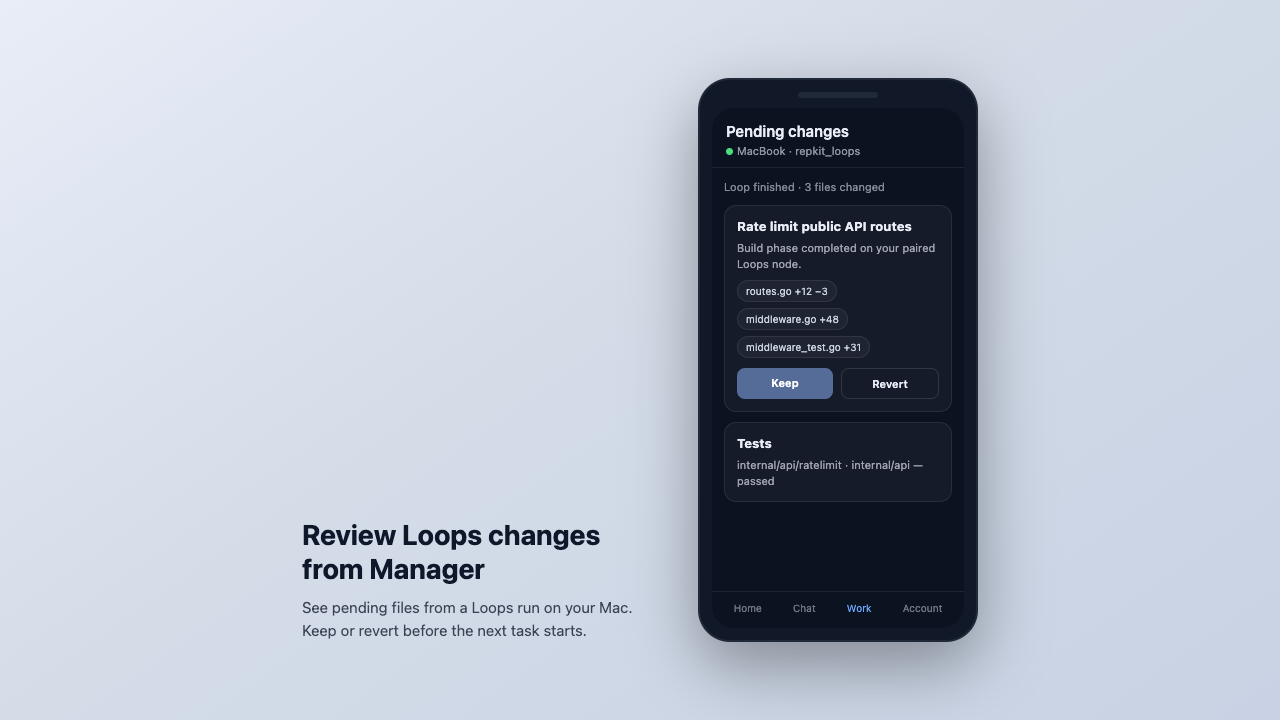
- Tasks and review — Queue coding tasks, follow activity, and keep or revert pending changes from your phone.
How Loops and Manager work together
Loops runs on your Mac. Manager handles pairing, tasks, and review once your machine is registered as a loops_node.
-
1
Run Code on your Mac
Open your repo in Repkit Code and run Plan → Build → Review → Test cycles with local models.
-
2
Pair with Manager
Connect your Mac to Manager so tasks and reviews can happen from web or phone.
-
3
Work from elsewhere
Queue work and review pending file changes from Manager while away from your desk.
Get started
- Create a Manager account at manager.repkit.ai.
- Install Repkit Loops on your Mac and open your project.
- In Loops or Manager account settings, pair your Mac as a
loops_node. - Queue a task or start a chat with the
repkit_loopsprovider — execution runs on your machine.