
Repkit Code
Desktop workspace for your repos — plan, build, review, and test on your Mac.
Repkit
Repkit is a suite of products for writing code, running work across your machines, and signing people in — one brand, clear jobs.
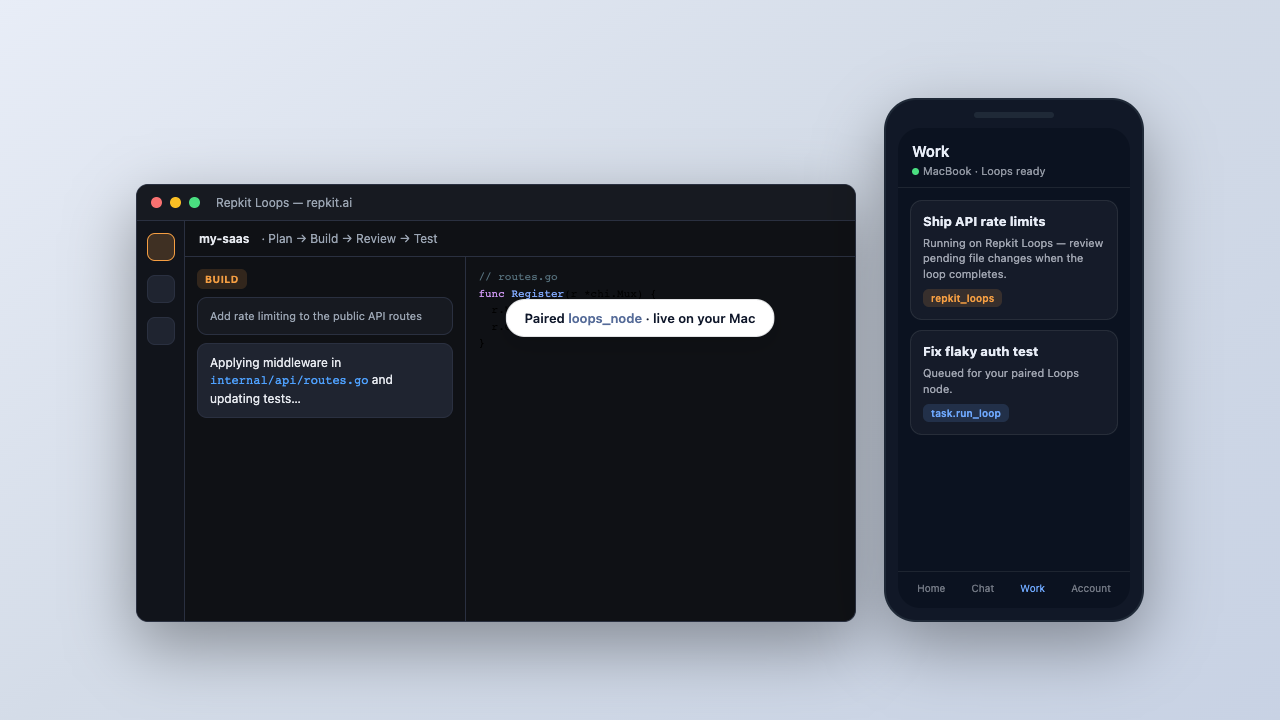
Each product has one job. Start with the ones you need; add others when you grow.
Desktop workspace for your repos — plan, build, review, and test on your Mac.
Control plane for your machines — queue work, review changes, and stay connected from web or phone.
Shared sign-in for Repkit products — one account across the suite.
Status pages, studio boards, API builders, and other tools in the same family.
Everything we ship or have in progress.
Desktop workspace for your repos on macOS — plan, build, review, and test locally. Works with Manager when you need remote control.
View downloads ↓ Partially liveHosted control plane for devices, models, and paired Repkit Loops nodes — queue tasks and review changes from web or Android.
View downloads ↓ LiveCentral OAuth and session service for Repkit products.
No tools match your search. Try another term or category.
One plan for the Repkit suite. Per-app pricing stays off by default.
£19.99 per month
One subscription for the Repkit suite — Code, Manager, Auth, and the apps we add next. Billing will run through a single Stripe service on repkit.ai.